
Completion requirements
Step 1
Log in to Sentral as an administrator.
Step 2
Click on "Academic Reports".
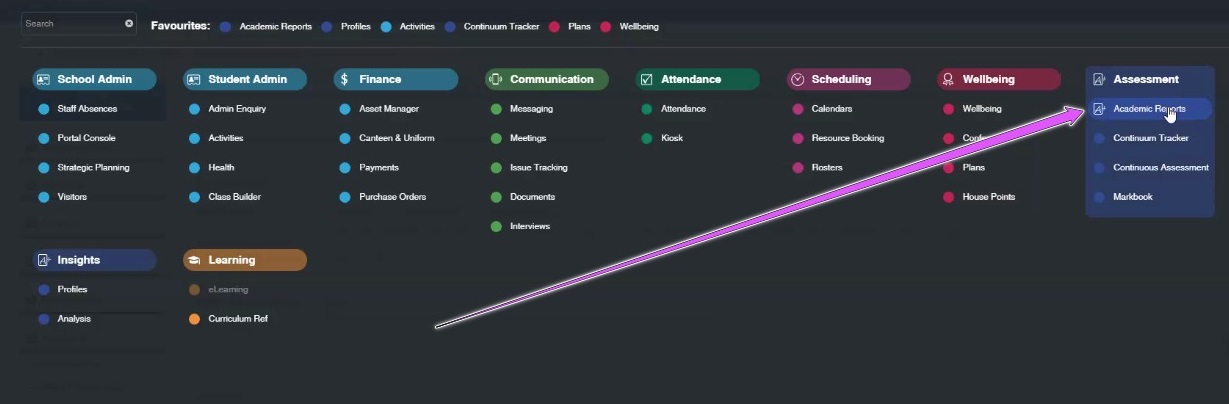
Step 3
Click "Export Data".

Step 4
Click "Export CASES21 Data".

Step 5
Rename the File to TJSEM1Y22.XML.
You can rename the file to anything of your choosing, as long as it ends in .XML
If you have trouble with this step, please contact SPAsupport via https://www.spaplatform.com.au/contact-us.html
Step 6
Import these files into your SPAplatform account.
Last modified: Thursday, 4 August 2022, 11:24 AM