
Completion requirements
Step 1
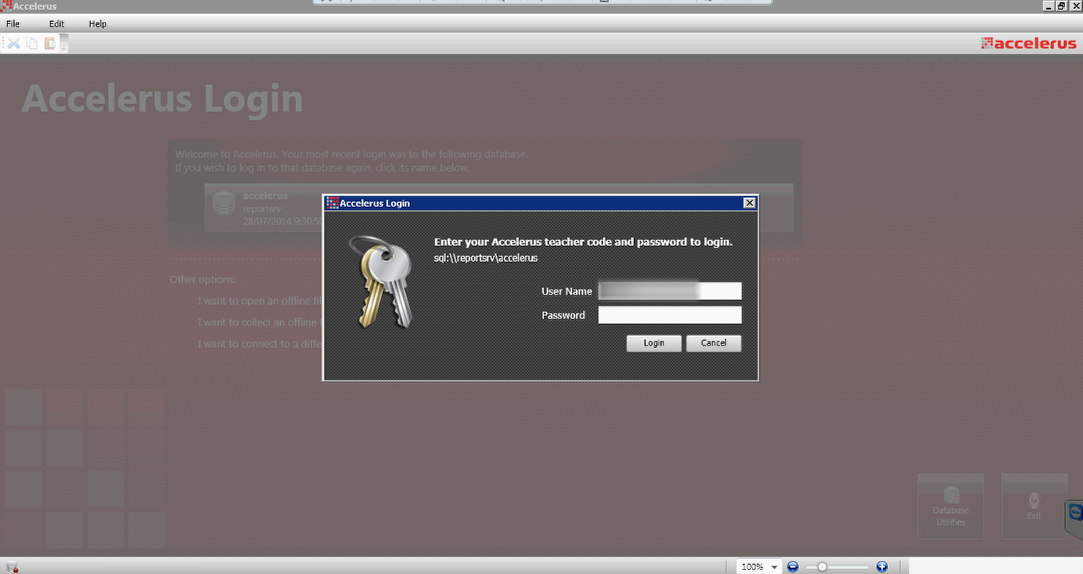
Open Accelerus and log in as an administrator.
Step 2
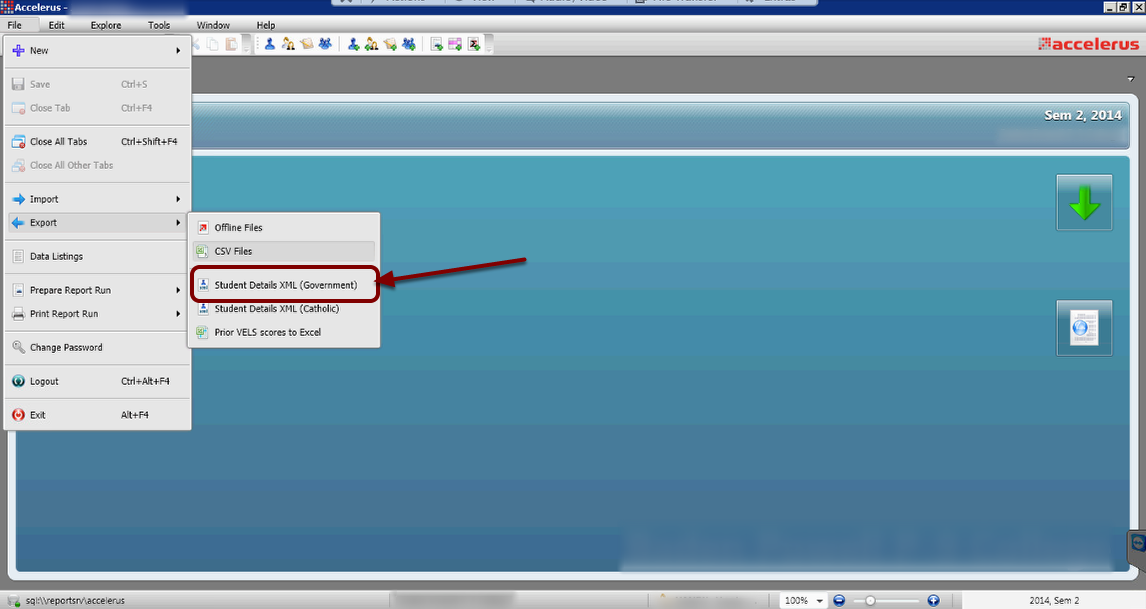
- Click on the File menu then choose the Export menu item.
- Select the Government student XML export option.

- Select the Semester, Year level cohort and filename to export your results into.
- Click Preprocess.
Review the impact of the export such as errors and warnings. Refer to your Accelerus documentation for more information if you receive any errors or warnings.
Step 5
Click Export to export the data and complete the process.
Last modified: Thursday, 4 August 2022, 11:23 AM